Raspberry Pi Foundation
Our partnership with the Raspberry Pi Foundation will help young people realise their full potential through the power of computing and digital technologies, developing their skills in problem-solving, resilience, and creativity, alongside key digital skills essential for today and tomorrow.
The Raspberry Pi Foundation is passionate about inspiring and supporting your and your Scouts' interest in digital making, and has created a suite of resources to guide you through the Digital Maker Staged Activity Badge.
Our goal is to provide Scout volunteers with the confidence and support that enables them to deliver the badge in their group.
Upcoming Digital Maker 'Train the Trainer' events
Join the Raspberry Pi Foundation for a series of Digital Maker webinars, with a different topic each month and all suitable for Scout volunteers who are beginners to coding and digital making.
Sign up for all events online here: Scouts Event registration
(Please note, these sessions are aimed at leaders rather than young people. You will need to register for the session in advance, but it will be recorded and shared afterwards, for those unable to attend on the evening).
You can find recordings of previous webinars here: Webinar Recordings
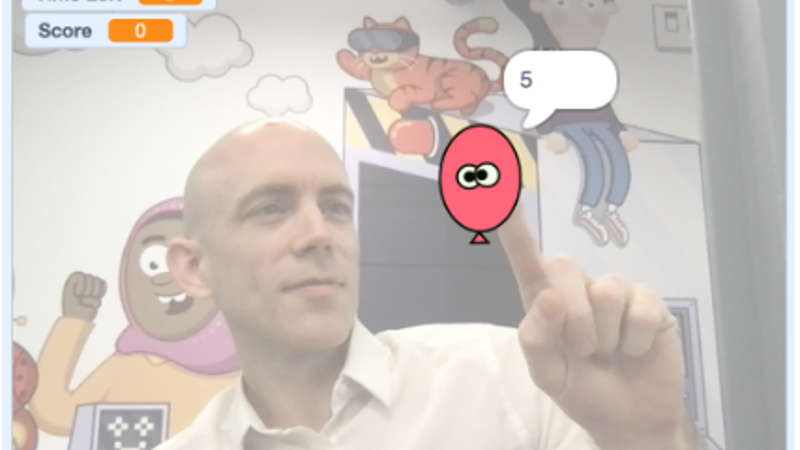
Create a fun balloon-popping game in Scratch
Use the step-by-step video tutorial and downloadable instructions linked below to build a balloon-popping game in Scratch.
The game uses video sensing and motion detection, challenging players to pop as many balloons as possible within a time limit by moving in front of the camera.
The tutorial covers sprite creation, coding loops, variables, and game mechanics, allowing for customisation with different visuals, sounds, or gameplay elements. Here's everything you need to give it a try:
Badge and resources
The Raspberry Pi Foundation is committed to making the Digital Maker Staged Activity Badge accessible, so that you can complete the majority of our recommended activities using any desktop or laptop computer and without any specialist equipment (e.g. Raspberry Pi computers). You can also complete our unplugged activities without using any technology at all.
Keen to get stuck in?
Activities for the Digital Maker Staged Activity Badge: Activity planner
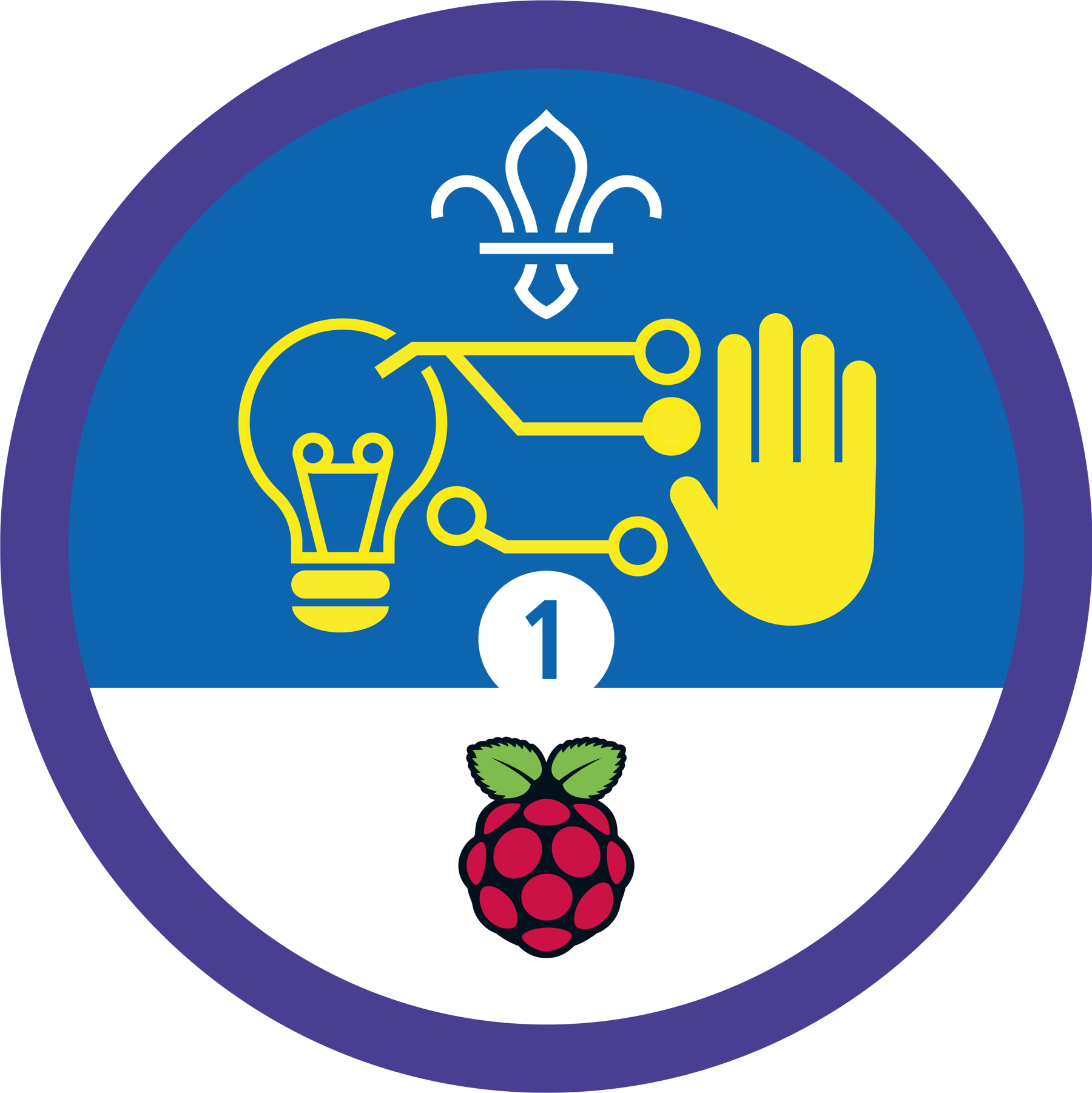
Get your Digital Maker Activity Badges
Visit Scout StoreAlternative ways to access equipment
If your group doesn't have access to computing equipment, there are a number of alternative options to explore:
- Schools and libraries — your local school or library may have a computer suite you can take your group to, or equipment you can borrow
- Code Club — this network of free coding clubs for young people may be able to provide a suitable venue and/or lend equipment to help your group run the Digital Maker Staged Activity Badge. You can find your nearest Code Club here
- This blog on finding hardware for Code Club has a lot of useful additional information for scout groups on different ways to access equipment.
Information guides
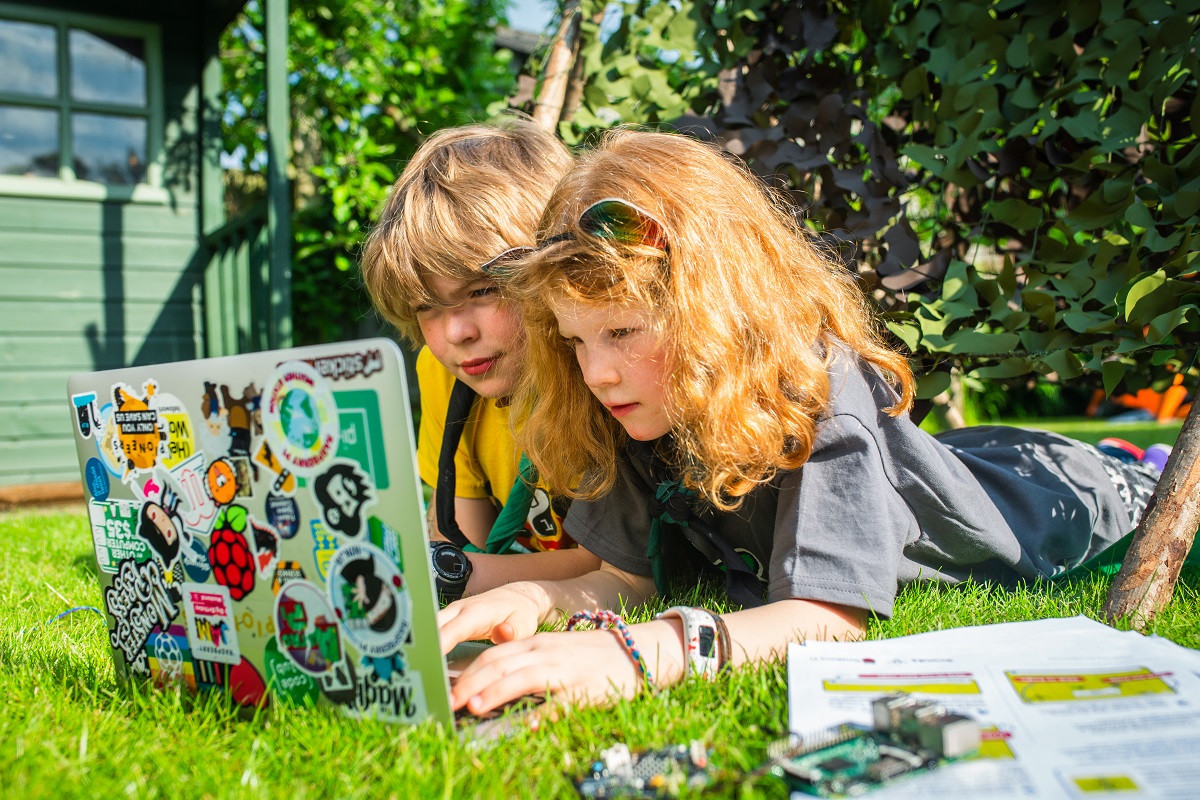
A lot of Digital Maker badge activities use Scratch, a programming and coding tool designed for children. You can use it to create games, stories, and animations and programs with art, music, and sound.
If you don’t have access to the internet in your meeting place, you’ll need to download Scratch from the Scratch download page beforehand onto the computers you’ll be using. Each activity also comes with a full set of instructions, which you can check before starting a session.
You can read more in our guide on how to use Scratch, but the best way to understand Scratch is to try it!
Stages 2 and 3 introduce the use of the BBC micro:bit for several activities. If you need any help, you can read our guide on how to use the micro:bit.
We also have a guide for setting up the Raspberry Pi, if your group chooses to include it in their projects.
In-person Volunteer Training
The Raspberry Pi Foundation is working in partnership with several Scout counties to train groups of volunteers to deliver Digital Making activities and increase access to the badge. If you would like to get involved, or have any questions or suggestions for how we can better support volunteers in your County, please email us at [email protected].
About Raspberry Pi
The Raspberry Pi Foundation is a UK-based charity with the mission to enable young people to realise their full potential through the power of computing and digital technologies. The Raspberry Pi Foundation now runs the world’s largest network of volunteer-led computing clubs (Code Club) and creates free educational resources that are used by millions of young people all over the world to learn how to create with digital technologies.